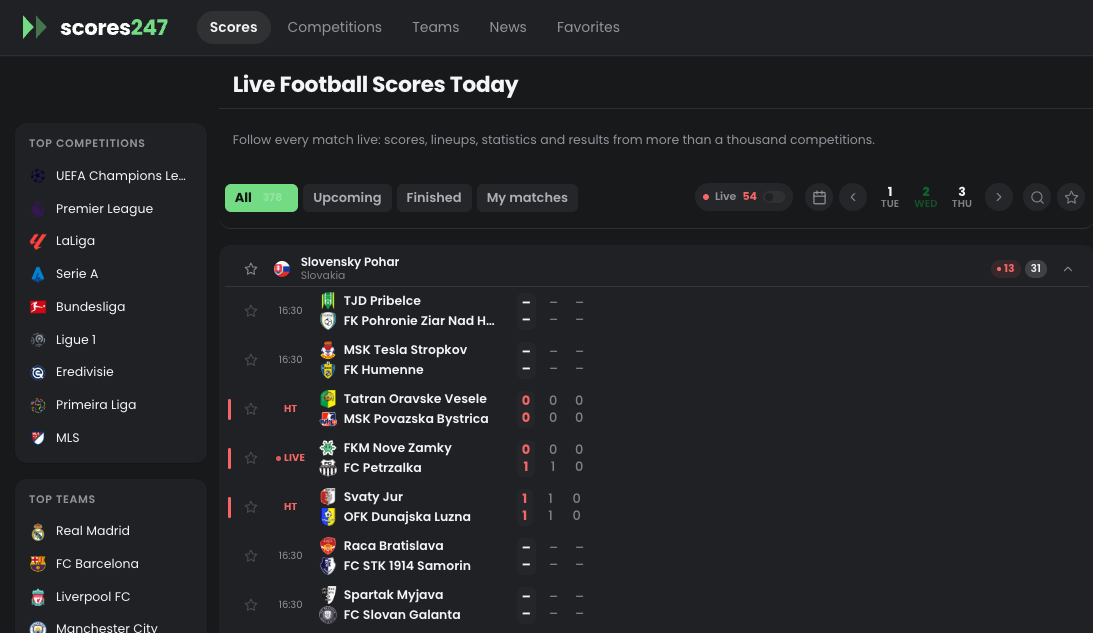
Welcome to the Scores247 headless compatibility laboratory. This intentionally rich article tests how the CMS, REST or GraphQL layer, and frontend renderer handle emphasis, highlighted text, inline links, media, layout utilities, and accessible interactive elements. It is editorial test content—not a real news report.
Compatibility objective: confirm that structured WordPress content survives the complete publishing pipeline while remaining readable when individual styles are unavailable. The copy includes typographic characters such as “smart quotes,” apostrophes, an em dash—like this one—and symbols including &, ©, ™, € and 24×7.
H2: Typography and inline semantics
This paragraph combines bold text, italic text, bold italic text, underlined text, strikethrough text, deleted copy, and inserted copy. It also tests H2O, 90th-minute notation, small-print copy, the abbreviation headless CMS, inline JSON, and the keyboard instruction Cmd + K.
Here is an internal anchor link, a safe external link, and a deliberately styled inline call to action.
H3: Left-floated responsive image
This text should wrap to the right of the image. On a wide screen, several lines should occupy the space beside the figure. On a narrow screen, the frontend may stack the figure above the copy. The paragraph is long enough to expose float behavior, line-height differences, unexpected overflow, and themes that ignore WordPress alignment classes.
Scores247 content can include a short match narrative here. A late goal changes the score, the momentum shifts, and supporters immediately look for context. This neutral copy is intentionally descriptive so the layout can be assessed without presenting a fictional event as genuine news.
H3: Right-floated image with text on the left
This paragraph should remain on the left while the image floats on the right. It tests the reverse alignment, margin collapse, caption sizing, and the point at which the headless frontend chooses to disable floating. The content should still follow a logical reading order for assistive technologies.
Good responsive behavior is more important than preserving a desktop float at every viewport. A robust implementation may transform both figures into full-width stacked components below a chosen breakpoint, while keeping the text readable and preventing cumulative layout shift.
H2: Lists, hierarchy, and structured content
H4: Unordered checklist
- Typography: headings, paragraphs, strong, emphasis, underline, deletion, insertion, code, and keyboard text.
- Media: alt text, captions, dimensions, lazy loading, responsive sources, and alignment classes.
- Navigation: fragments, internal links, external links, focus states, and target attributes.
- Accessibility: semantic order, table scopes, descriptive labels, contrast, and keyboard reachability.
H4: Ordered validation sequence
- Fetch the post through the headless content API.
- Render the returned HTML without losing semantic elements.
- Sanitize unsafe markup while retaining approved attributes.
- Test desktop, tablet, and mobile layouts.
- Compare the CMS preview with the production frontend.
H4: Definition list
- CMS
- The editorial source where authors create and manage content.
- Headless frontend
- The application that fetches content and controls the final presentation.
- Graceful degradation
- The ability to remain understandable when optional styling or behavior is unavailable.
Rich content should remain meaningful before decoration is applied. Structure first; visual enhancement second.
— Compatibility test quotation
H2: Table rendering test
| Element | Expected behavior | Priority |
|---|---|---|
| Headings | Preserve hierarchy and anchor IDs | High |
| Images | Respect aspect ratio, captions, alt text, and responsive sizing | High |
| Buttons | Remain visible, focusable, and understandable without custom CSS | Medium |
| Wide table | Scroll horizontally instead of breaking the viewport | Medium |
H2: Callout, preformatted code, and disclosure
A headless client may receive a payload shaped like this:
{
  "title": "Headless CMS Compatibility Test",
  "status": "publish",
  "content": "<p>Rich HTML content…</p>",
  "media": ["left-float", "right-float", "full-width"]
}
Open this disclosure to test native interactive HTML
The disclosure content checks whether the CMS sanitizer and frontend preserve <details> and <summary>. If they are removed, the surrounding article should continue to make sense.
H2: Full-width media and caption
H2: Buttons and calls to action
Review the checklist Back to typography
Final CTA compatibility block
This component tests contrasting text, nested headings, centered copy, inline spacing, border radius, and a prominent link that should also work as an ordinary anchor.
End of compatibility sample. The expected result is a coherent article in the CMS, the content API, server-rendered HTML, client-side navigation, and mobile layouts. Prueba de compatibilidad completada.